In a world where new gadgets are constantly being released, many people upgrade their devices far sooner than necessary. But did you know that with proper care and maintenance, your phone, tablet, or laptop can last years longer than expected? At NXT GEN, we’re all about helping you get the most out of your tech while saving you money. Here’s how you can extend the lifespan of your devices.
1. Keep Your Device Clean & Protected
Dirt, dust, and accidental drops are among the biggest enemies of any electronic device. Here’s how to keep your device in top shape:
- Use a high-quality screen protector and sturdy case to prevent cracks and scratches.
- Clean the exterior with a soft, lint-free cloth following the manufacturer’s guidance. Do not use compressed air or push tools into phone ports; ask for help with a blocked connector.
- Avoid exposure to extreme temperatures (heat can shorten battery life, and cold can affect performance).
2. Take Care of Your Battery
Your battery is one of the first components to wear out, but proper care can slow down its decline:
- Use supported optimised-charging or charge-limit settings and avoid excessive heat. Modern devices control charging; they do not charge beyond 100%.
- Use original or certified chargers to prevent overheating and long-term damage.
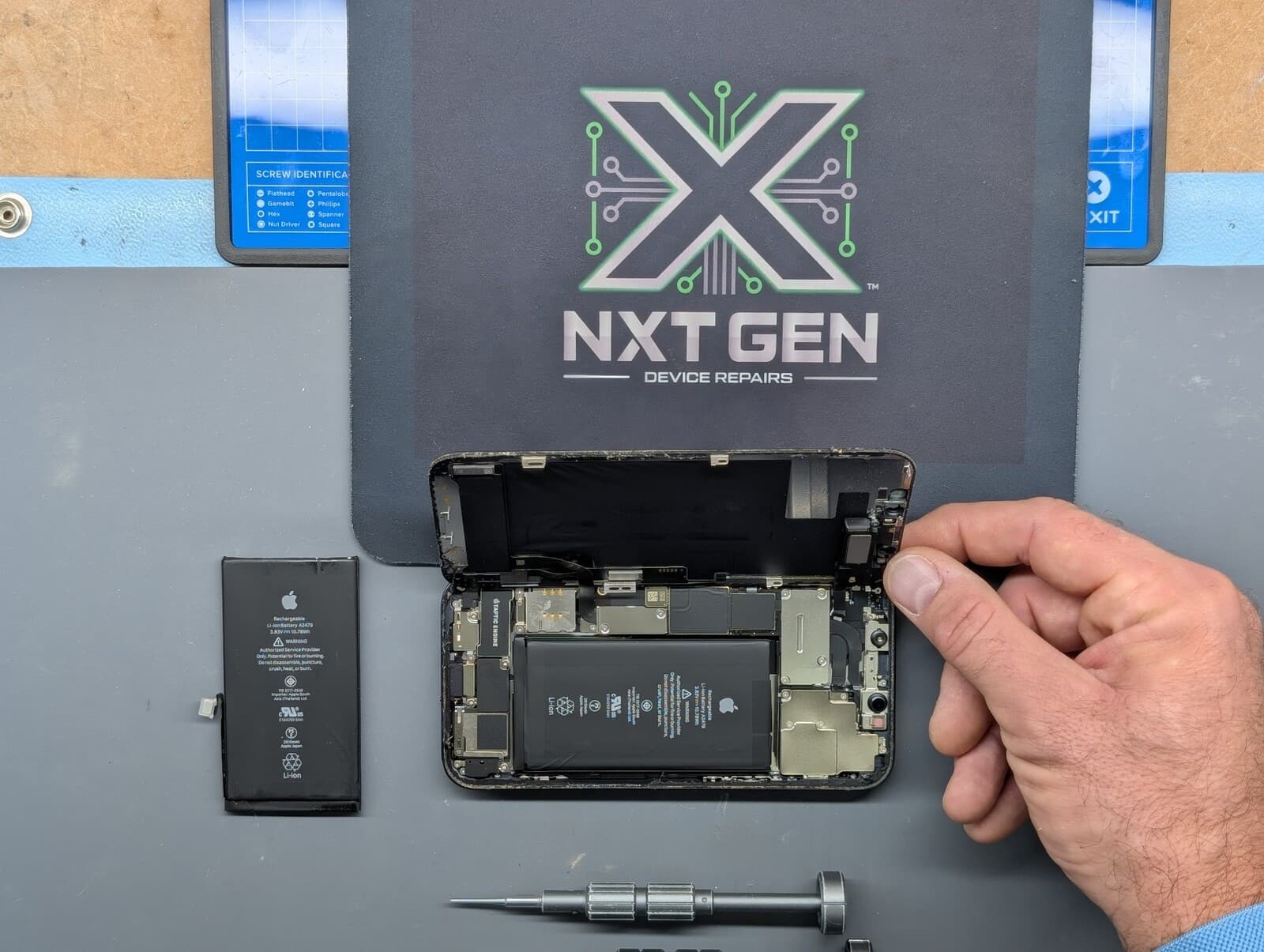
- If your battery life has significantly worsened, consider a battery replacement instead of a new device.
3. Manage Storage & Performance
Over time, cluttered storage can slow down your device. Keeping it optimised helps improve performance and longevity:
- Regularly delete unused apps and files to free up storage space.
- Use cloud storage or an external drive for important files instead of overloading your device.
- Restart when troubleshooting a temporary problem or when an update requests it; a fixed weekly schedule is not necessary for every device.
4. Keep Software & Security Up to Date
Updates aren’t just about new features—they include important security patches and performance improvements:
- Always install the latest software updates for your operating system and apps.
- Use reputable antivirus software (especially for laptops) to prevent malware and slowdowns.
- Enable automatic backups so you don’t lose data if something goes wrong.
5. Be Mindful of Charging & Power Usage
Excessive charging habits and poor power management can reduce battery lifespan and overall device longevity:
- Use compatible, undamaged charging equipment and follow the manufacturer’s charging guidance. Built-in charge management prevents routine overcharging.
- Avoid cheap, unverified charging accessories, as they can cause overheating and long-term damage.
- Use power-saving features like low-power mode to reduce unnecessary battery drain.
6. Repair Instead of Replace
Many people replace their devices when a suitable repair could extend useful life. Compare the quote with replacement cost and remaining software support:
- A cracked screen? Compare a screen-repair quote with the price of a suitable replacement.
- Battery not holding charge? A battery replacement can restore hours of use.
- Keyboard or trackpad issues? Professional repairs can bring your laptop back to life without the need for a new one.
Final Thoughts
Taking proper care of your phone, tablet, or laptop not only saves you money but also helps reduce electronic waste. If your device needs a repair, battery replacement, or performance boost, visit NXT GEN - we’ll explain practical options for your device.
Need Help?
Contact NXT GEN Today!
If your device is slowing down, needs a repair, or you just want advice on keeping it in top shape, reach out to us. We’re here to help!