Your iPhone’s Battery Health percentage is a useful guide, but it is not a pass-or-fail test. A lower figure can help explain shorter battery life; it does not, by itself, prove that every charging or performance problem needs a new battery.
At NXT GEN Tech Repairs in Leigh-on-Sea, we assess the problem, explain the available battery options and help you choose a repair that suits your device and budget.
How to check your iPhone’s Battery Health
Open Settings → Battery, then look for Battery Health or Battery Health & Charging. The wording and information available depend on your model and iOS version.
Maximum Capacity estimates how much charge the battery can hold compared with when it was new. A reading of 90% means approximately 90% of its original capacity—not a guaranteed number of hours between charges. Apps, signal strength, screen brightness, temperature and how you use the phone also affect daily runtime.
Check any service recommendation or performance message as well as the percentage. If iOS cannot verify a replacement battery, its health information may be unavailable or inaccurate.
Does a battery below 80% need replacing?
Below 80% is a useful point to consider replacement, particularly if shorter battery life is disrupting your day. It is not an automatic safety warning, and there is no universal 75% or 77% threshold at which every iPhone becomes slow.
Apple says batteries in iPhone 14 and earlier models are designed to retain 80% of their original capacity after 500 complete charge cycles under ideal conditions. For iPhone 15 and later, the figure is 1,000 cycles. These are design benchmarks, not fixed expiry dates or guarantees for an individual phone.
A complete cycle represents using an amount equivalent to 100% of the battery’s capacity, which can happen across several charges. Plugging your phone in does not automatically count as one cycle.
If your phone still meets your needs, the percentage alone need not decide the timing of a repair. If you are experiencing shutdowns, unusually short runtime or a service message, ask us to assess it. Battery replacement can help when battery wear is the cause; software, charging accessories and other faults may need a different solution.
When to stop using the phone
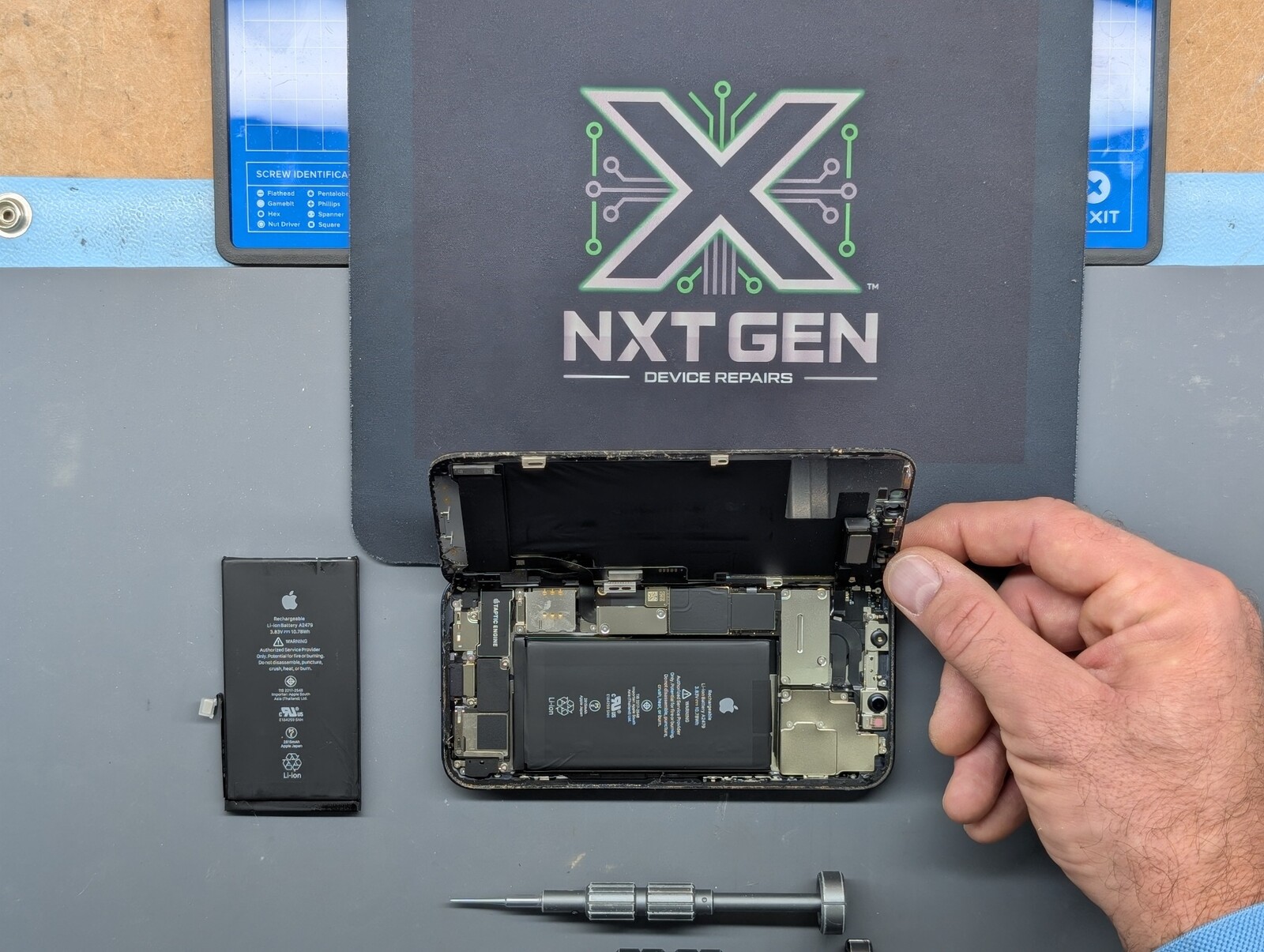
If you suspect a swollen or damaged battery—for example, the screen is lifting—stop using and charging the device and seek professional advice promptly. Do not press the screen back down, puncture the battery or attempt to remove it yourself.
For other symptoms to look out for, read our guide to five signs your phone’s battery needs checking.
Your battery replacement options at NXT GEN
Your repair. Your choice. For supported iPhone 12 and newer models, our booking system uses these battery options where available:
Option 1 — Aftermarket battery: an alternative to a genuine Apple part. Ask us about the battery offered for your model, its price and the expected Battery Health or parts-message behaviour.
Option 2 — Genuine Apple battery: a genuine Apple replacement where available. We explain the repair process and expected iOS reporting for your particular model.
Available options, prices, parts messages and Battery Health reporting depend on the model, iOS version, part and repair process. We explain those differences before you decide. For an older iPhone or an option you cannot find online, contact us for advice.
NXT GEN is an independent, family-run repair business, established in 2013. Repairs include a three-month warranty, subject to terms. Read more about our iPhone battery replacement service.
Simple ways to look after your battery
Avoid prolonged heat, including leaving your phone in direct sunlight or a hot car.
Use Optimised Battery Charging, or a charge limit on supported models, to reduce time spent fully charged.
Use suitable, undamaged charging accessories from a reputable supplier.
If battery drain changes suddenly, check battery usage in Settings before assuming the battery itself is faulty.
You do not need to keep your phone rigidly between 20% and 80%. Use the charging features that suit your routine and charge fully when you need the extra runtime.
Check your options before booking
Use our online booking page to select your model, read the available repair descriptions, check prices and choose an appointment. If you are unsure which repair you need, contact the team first. We can confirm availability and the expected turnaround for your device.
Check repair prices & book · Ask the NXT GEN team
Further reading: Apple’s battery performance guidance, genuine batteries and parts messages, and charging optimisation.