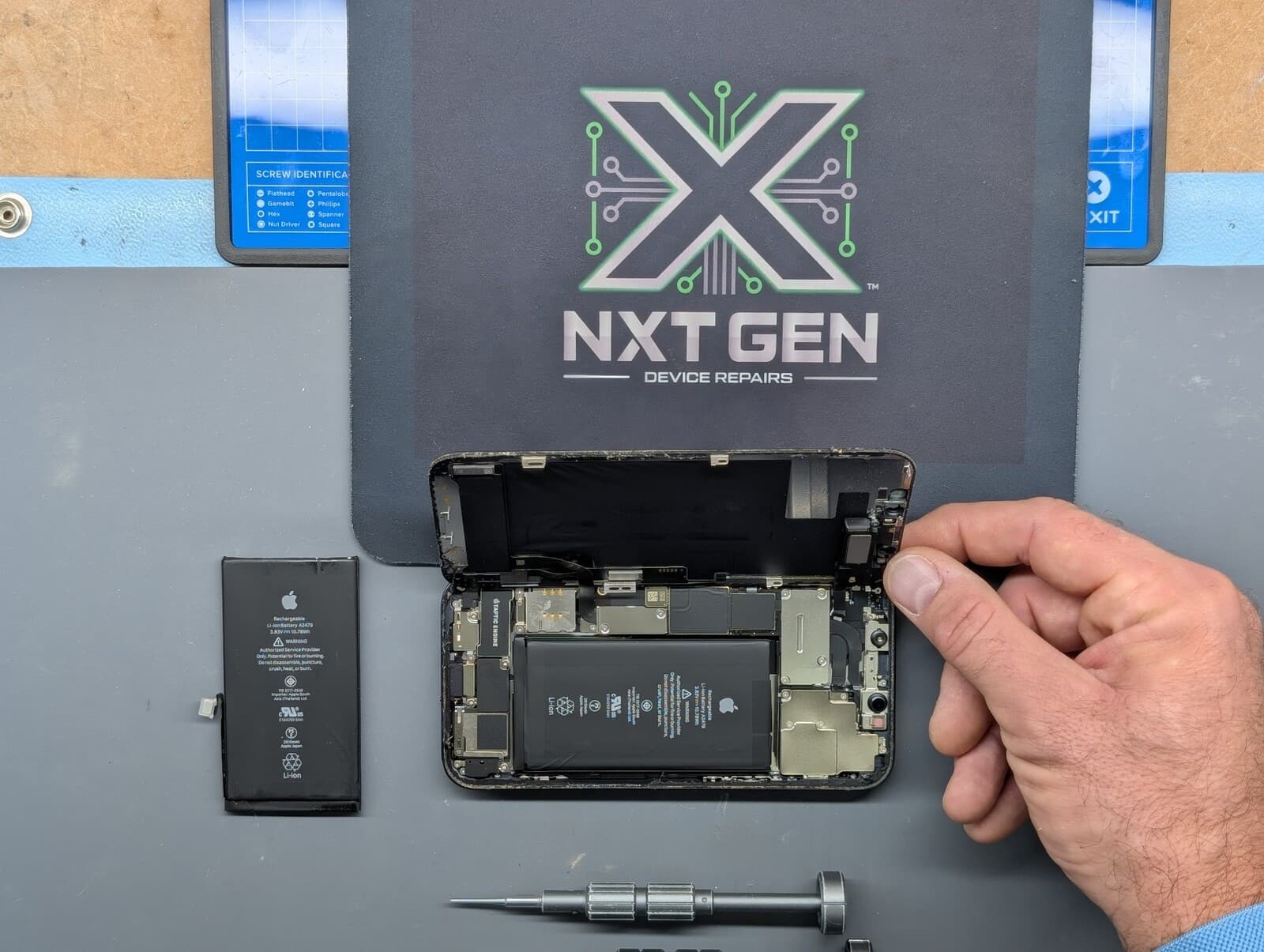

As temperatures soar across the UK, we're all looking for ways to keep cool. But while we’re grabbing cold drinks and heading for the shade, many people forget that their phones, tablets, laptops, and consoles can also suffer in extreme heat. A few practical precautions can reduce unnecessary heat exposure.
How Heat Affects Your Devices
Modern electronics are incredibly powerful, but they’re also sensitive to temperature changes. When exposed to prolonged heat, devices can experience:
-Battery Swelling or Leakage: Lithium-ion batteries are especially vulnerable. Excess heat can cause internal pressure to build, leading to dangerous swelling or leaks.
-Performance Issues: Devices may slow down or shut off entirely as a self-protective measure.
-Screen Discolouration: Heat can warp LCD or OLED displays, leaving permanent marks.
-Component Damage: Overheating can degrade internal components, shortening your device’s lifespan.
Signs Your Device Might Be Overheating
-Feels excessively hot to touch (especially when idle)
-Battery draining unusually fast
-Unresponsive or lagging performance
-Unexpected shutdowns or restart loops
What NOT to Do
Don’t leave your device in the car – Parked cars can become very hot, even with the windows open.
Don’t charge your device in direct sunlight – Charging generates heat; keep the device away from direct sunlight and follow its manufacturer’s temperature guidance.
Don’t put an overheating device in the fridge – The sudden temperature change can cause condensation inside the phone, leading to water damage.
How to Protect Your Tech This Summer
-Keep it in the shade whenever possible
-Remove bulky cases while charging to let heat escape
-Close unused apps to reduce processing strain
-Use airplane mode when not in use to reduce activity and heat
-Use a cooling fan or laptop stand for ventilated airflow
What To Do If It’s Too Late
If your device is already showing signs of heat damage, we’re here to help. Our technicians at NXT GEN can inspect batteries, replace damaged components, and explain suitable repair options after assessment.
Bonus Tip: If you’re heading to a festival or beach, keep your phone out of direct sunlight and away from hot cars. Do not place it against ice packs or seal an already hot, charging device inside a pouch; let it cool naturally.
Stay safe, stay cool, and don’t let the heat fry your tech. For any issues, walk-ins are welcome, or book online at our repair price checker!