Screen protector or actual screen?
A damaged screen protector and a cracked iPad screen are different problems. If only the protector is scratched or loose and the display underneath works normally, replacing the protector may be a suitable task at home.
Safe checks at home
Clean the exterior with a soft, lint-free cloth following the manufacturer’s guidance. Do not use abrasive polish or scratch remover on the screen: it can damage the coating. If you replace a protector, avoid pressing on broken glass and stop if the underlying screen is cracked.
When to ask for assessment
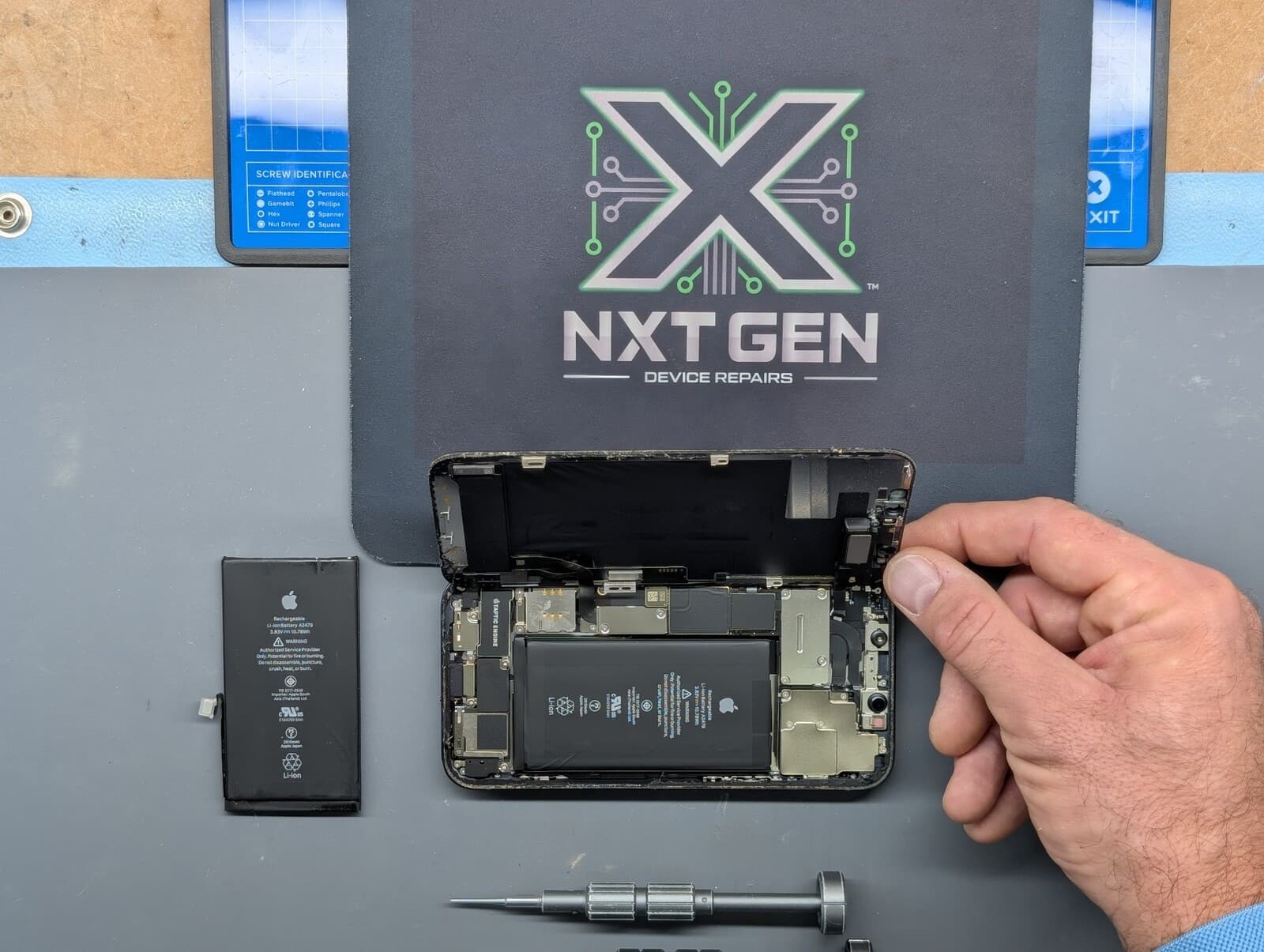
Cracked glass, a distorted picture, missing touch response or a lifting screen needs assessment. Opening an iPad involves strong adhesive, delicate cables and a lithium-ion battery. Battery swelling can also lift the screen. Stop using and charging a swollen or damaged device; do not press it closed or attempt to remove the battery.
Before repair
Back up your data if the device can safely be used. Tell us the model, symptoms and any previous damage or repair. If manufacturer warranty or AppleCare cover may apply, check that route before authorising an independent repair.
The NXT GEN approach
We assess the iPad, explain suitable parts and the quote, then carry out and test agreed work. Timescales depend on the fault and parts availability. Our repairs have a three-month warranty, subject to terms. NXT GEN is an independent repair business, not an Apple Authorised Service Provider.