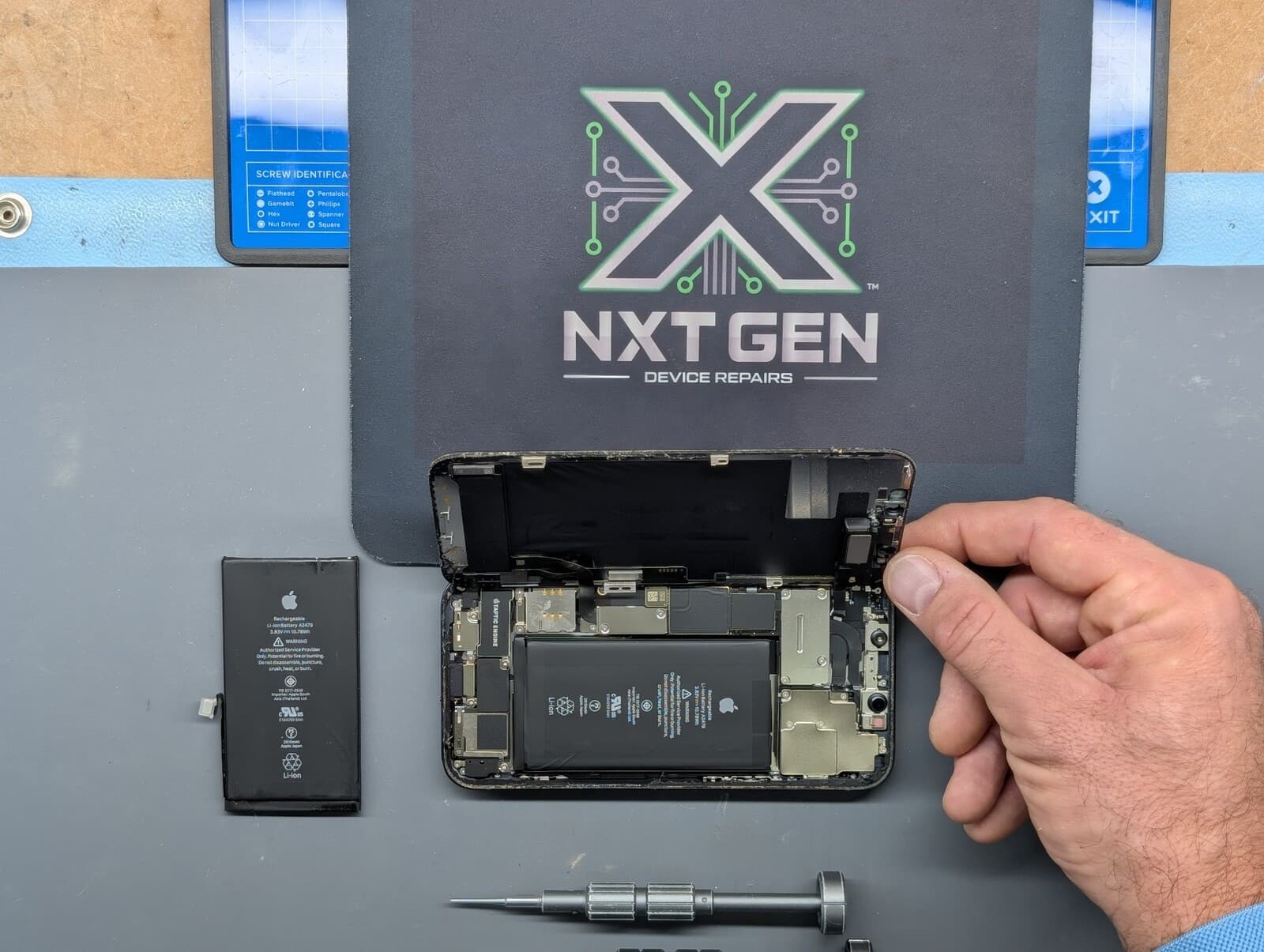

Understanding the Basics: Repair vs. Replace
When your MacBook encounters issues, the decision to repair or replace it can be challenging. Understanding the key factors that influence this decision is crucial. Consider the age of your MacBook, the severity of the problem, and the cost of repairs compared to purchasing a new model.
Assessing the Condition of Your MacBook
Age and Model
The age of your MacBook plays a significant role in deciding whether to repair or replace it. Older models may lack the hardware capabilities needed for modern software, making them less efficient. Age alone is not a reason to replace it. Check the exact model’s software support, condition, performance and repair quote against your needs.
Extent of Damage
Consider the type of damage your MacBook has sustained. A screen or battery replacement may be worthwhile, depending on the model, condition and quote. However, severe problems, such as a faulty motherboard, might justify investing in a new device.
Cost Analysis: Repair Costs vs. New Purchase
Analyzing the cost of repairs compared to buying a new MacBook is essential. Compare the repair quote with the cost and expected useful life of a suitable replacement, including a refurbished option. There is no single percentage that makes the decision right for everyone. Additionally, consider future repair needs that may arise with an ageing device.
Performance and Future Needs
Evaluate whether your current MacBook meets your performance requirements. If you're experiencing frequent slowdowns or unable to run necessary applications, upgrading to a newer model could enhance your productivity and user experience.
Environmental Considerations
Repairing your MacBook can be an environmentally friendly option, as it reduces electronic waste. If the repair significantly extends the lifespan of your device, this might be a compelling reason to opt for repairs over replacement.
Consulting with Professionals
Before making a decision, consult with a professional technician. They can provide an accurate diagnosis of the issue and offer guidance on whether repair or replacement is more suitable for your situation.
Conclusion: Making an Informed Decision
Deciding whether to repair or replace your MacBook requires careful consideration of several factors. By evaluating the age, extent of damage, cost, and performance needs, you can make an informed decision that aligns with your personal and financial priorities. Always weigh the pros and cons and consider seeking expert advice to ensure the best outcome.
Related NXT GEN services
Computer and gaming PC services · Check repair prices & book