
Preventing Common Laptop Issues: Expert Tips from NXT GEN
JT
Understanding Common Laptop Issues
Laptops have become essential in our daily lives, but they can encounter several issues over time. Understanding these problems is the first step toward preventing them. From hardware malfunctions to software glitches, knowing what to watch for can save time and money.
Battery Life Management
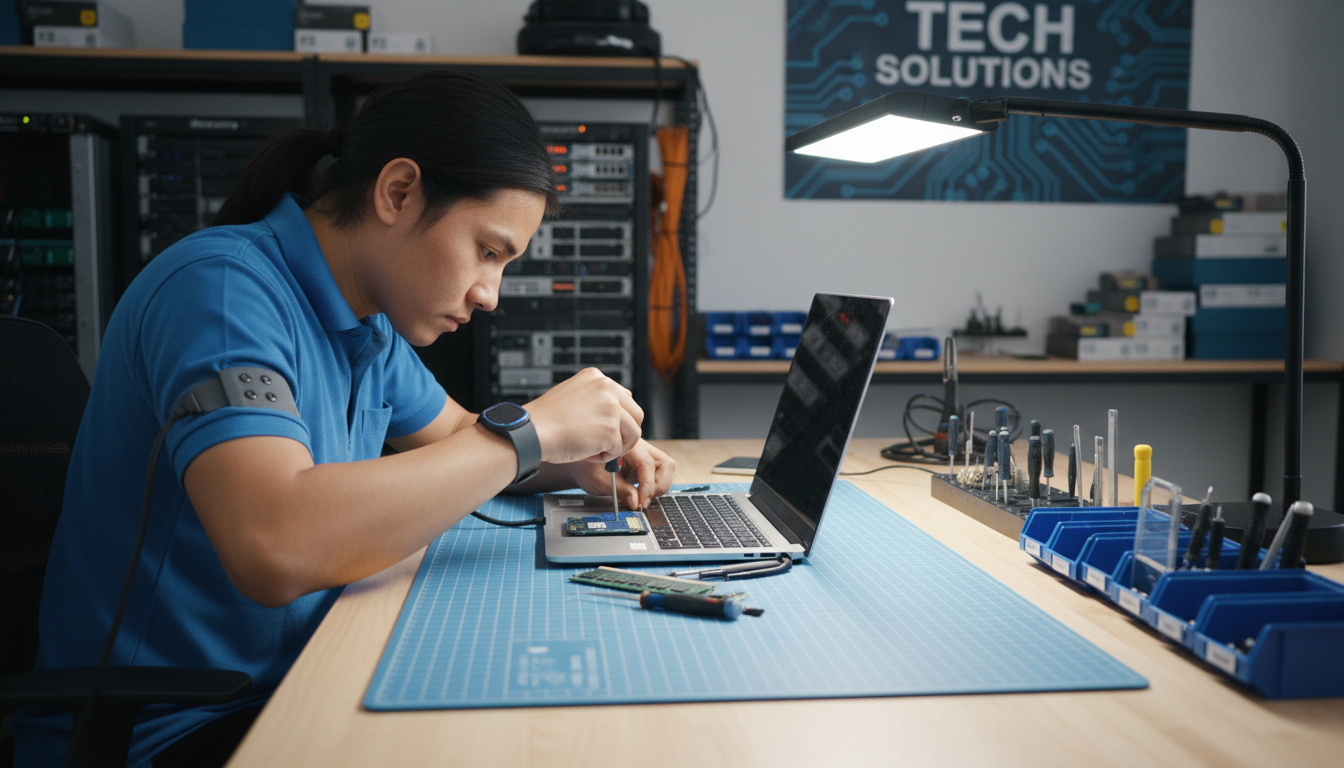
One of the most common complaints is decreasing battery life. To prevent this, avoid overcharging your laptop. Aim to keep the battery level between 20% and 80% to extend its lifespan. Additionally, using power-saving modes can help conserve energy.
Regularly checking and replacing your battery if needed is vital. A faulty battery can lead to overheating and other serious problems.
Overheating Solutions
Overheating is another frequent issue that can damage internal components. Ensure your laptop's vents are not blocked, and consider using a cooling pad. Regular cleaning of dust from the fans can also prevent overheating.

Keep your laptop on a hard surface to allow proper airflow. Avoid using it on soft surfaces like beds or couches for extended periods.
Software Maintenance
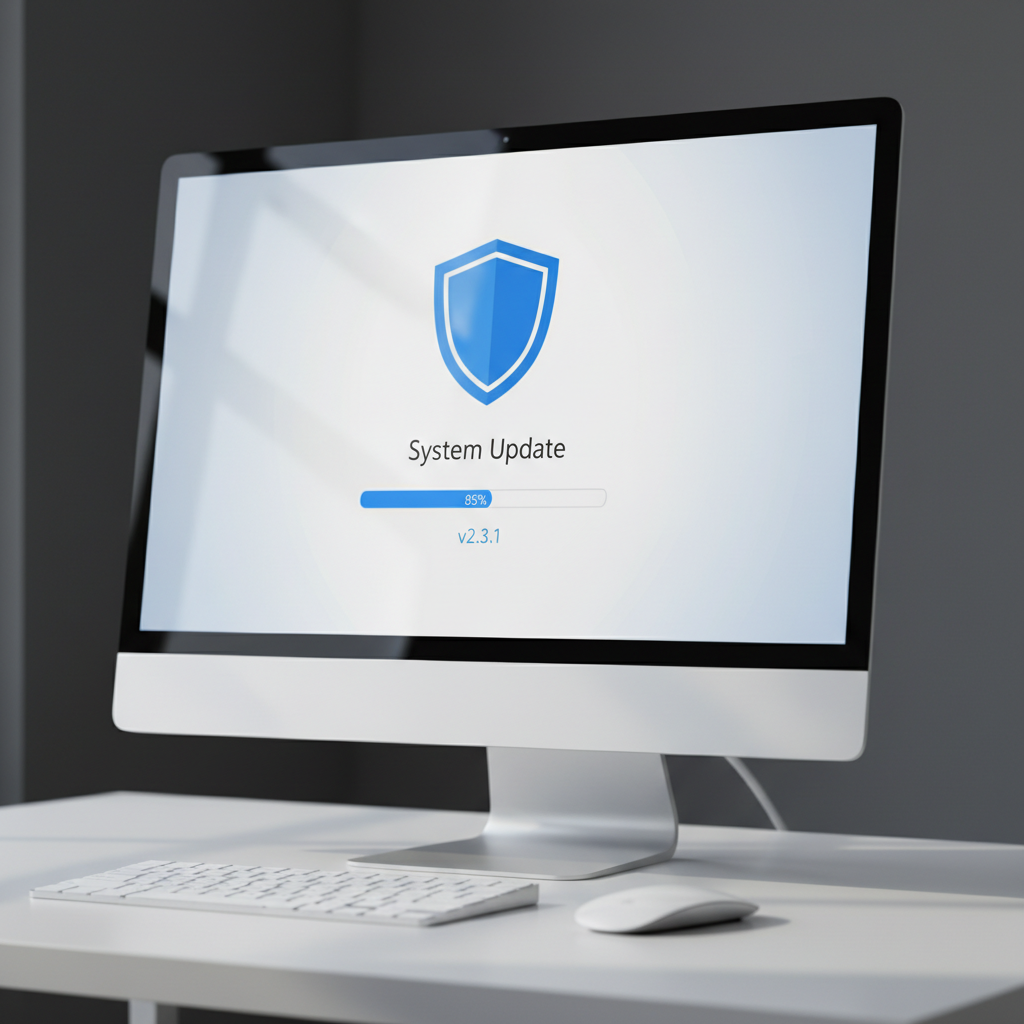
Keeping your software updated is crucial for preventing common laptop issues. Regularly update your operating system and applications to benefit from security patches and improved functionality.
Consider installing reliable antivirus software to protect your laptop from malware and viruses. Regular scans can help detect and eliminate threats before they cause significant damage.
Data Backup Strategies
Data loss is a devastating issue for many users. Implementing a robust backup strategy can prevent this. Use cloud storage solutions or external hard drives to keep your important data safe.
Set up automatic backups to ensure your data is regularly saved without manual intervention. This way, you can recover your files in case of a hardware failure.
Keyboard and Touchpad Care
Spills and debris can cause keyboard and touchpad malfunctions. Regular cleaning and using a keyboard cover can help maintain these components. If a spill occurs, immediately turn off the laptop and clean it carefully.
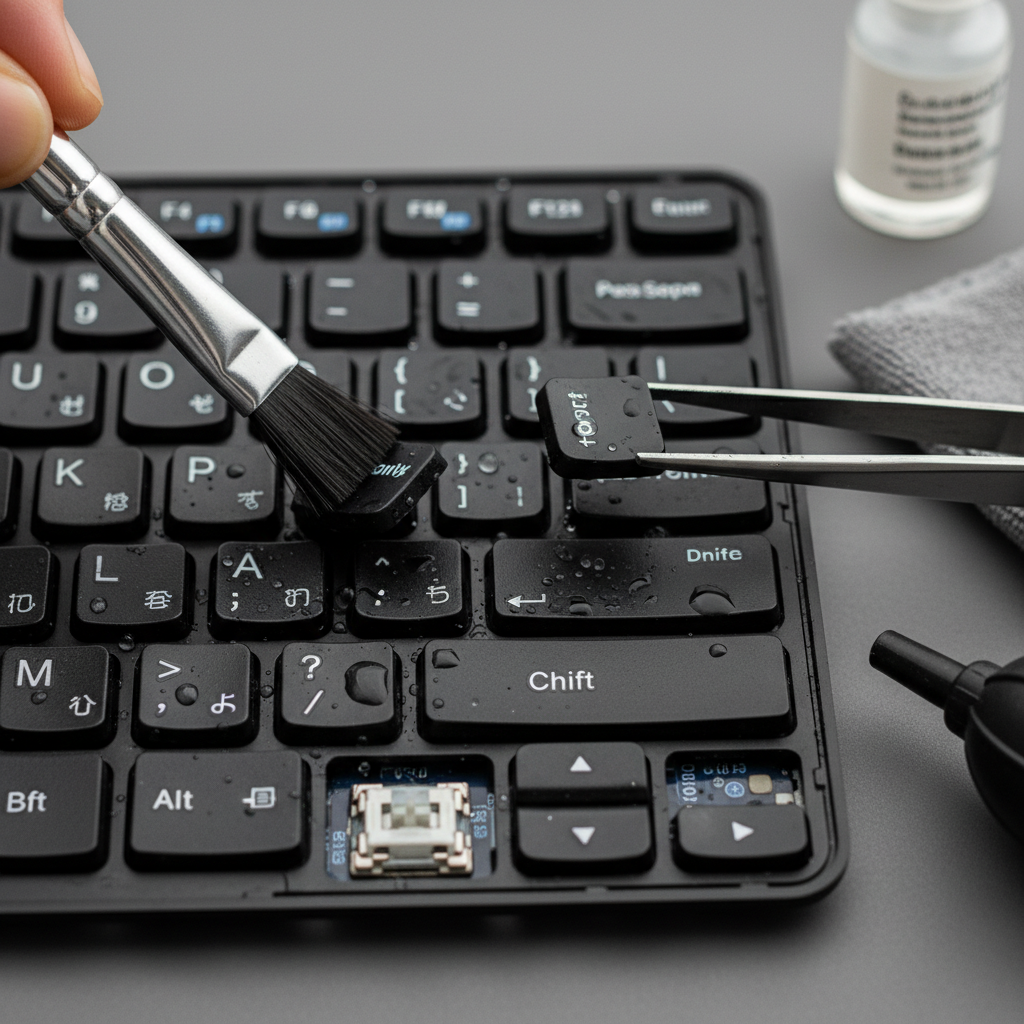
Avoid eating or drinking near your device to minimize the risk of accidental spills. Regular maintenance can prolong the life of your laptop.
Conclusion
By following these expert tips from NXT GEN, you can prevent many common laptop issues and extend the life of your device. Regular maintenance, software updates, and careful handling are key to keeping your laptop running smoothly.
Remember, a proactive approach can save you from costly repairs and ensure your laptop continues to support your daily activities efficiently.