How to Choose the Right Gaming PC Build: Expert Tips from Southend-on-Sea
JT
Understanding Your Needs
Choosing the right gaming PC build begins with understanding your specific gaming needs. Are you a casual gamer, or do you plan on streaming and playing the latest AAA titles? Knowing your gaming goals will help you determine the necessary specifications. For instance, if you're into competitive gaming, you might prioritize a high refresh rate monitor and a powerful GPU.
Consider what games you play and their system requirements. This will guide you in selecting the appropriate components without over-spending. Remember, building a gaming PC is all about balancing performance with budget.
Setting Your Budget
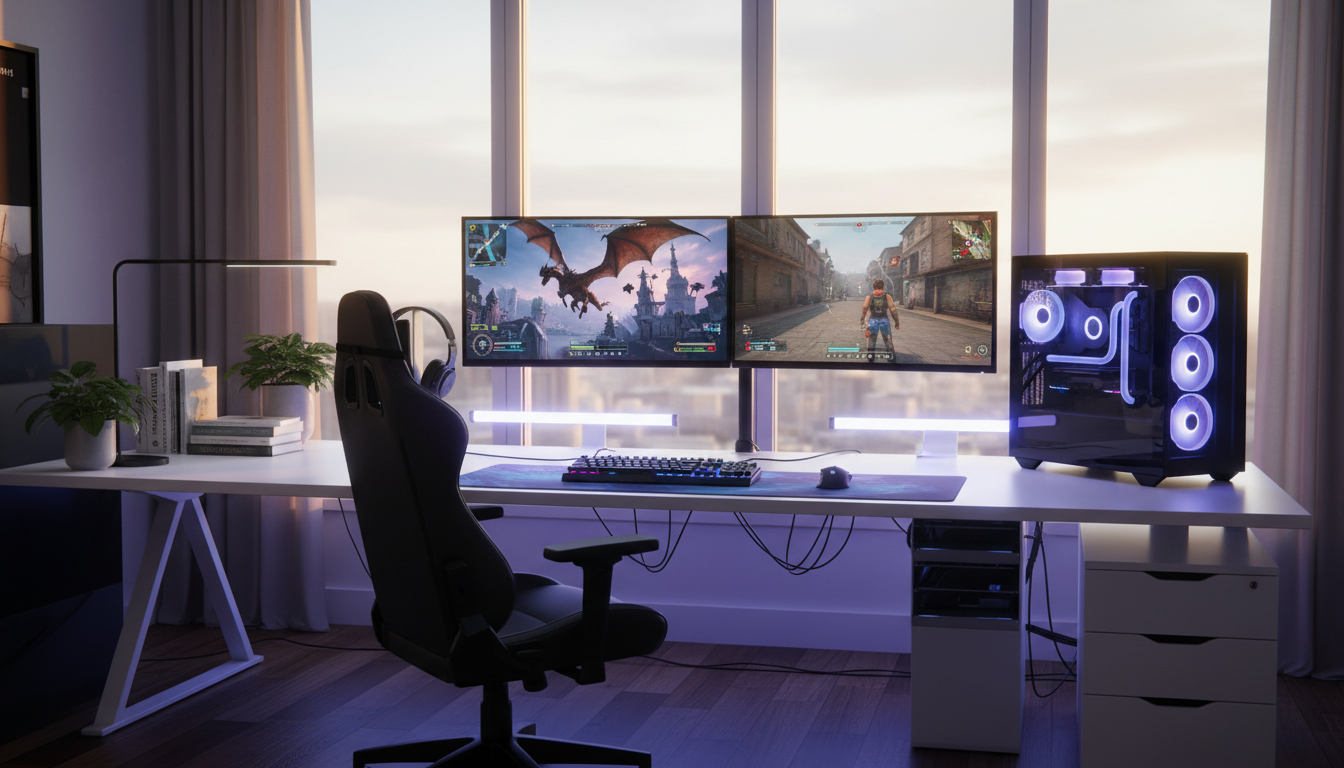
Before diving into the specs, establish a budget. This will help narrow down your choices and prevent overspending. Gaming PCs can range from a few hundred to several thousand pounds. It's crucial to allocate your budget wisely across different components such as the CPU, GPU, RAM, and storage.
Think about future-proofing your build. Investing a bit more now can save you money in the long run, especially as new games and technologies emerge.

Choosing the Right Components
CPU and GPU
The CPU and GPU are the heart of your gaming PC. For most gamers, the GPU is the most critical component. Look for graphics cards that can handle the games you play at your desired resolution and settings. For the CPU, modern multi-core processors are ideal for gaming and multitasking.
RAM and Storage
While 8GB of RAM may suffice for some games, 16GB is generally recommended for a smoother experience. As for storage, consider a combination of SSD and HDD. An SSD will significantly reduce load times, while an HDD can offer more space for less cost.
Cooling and Power Supply
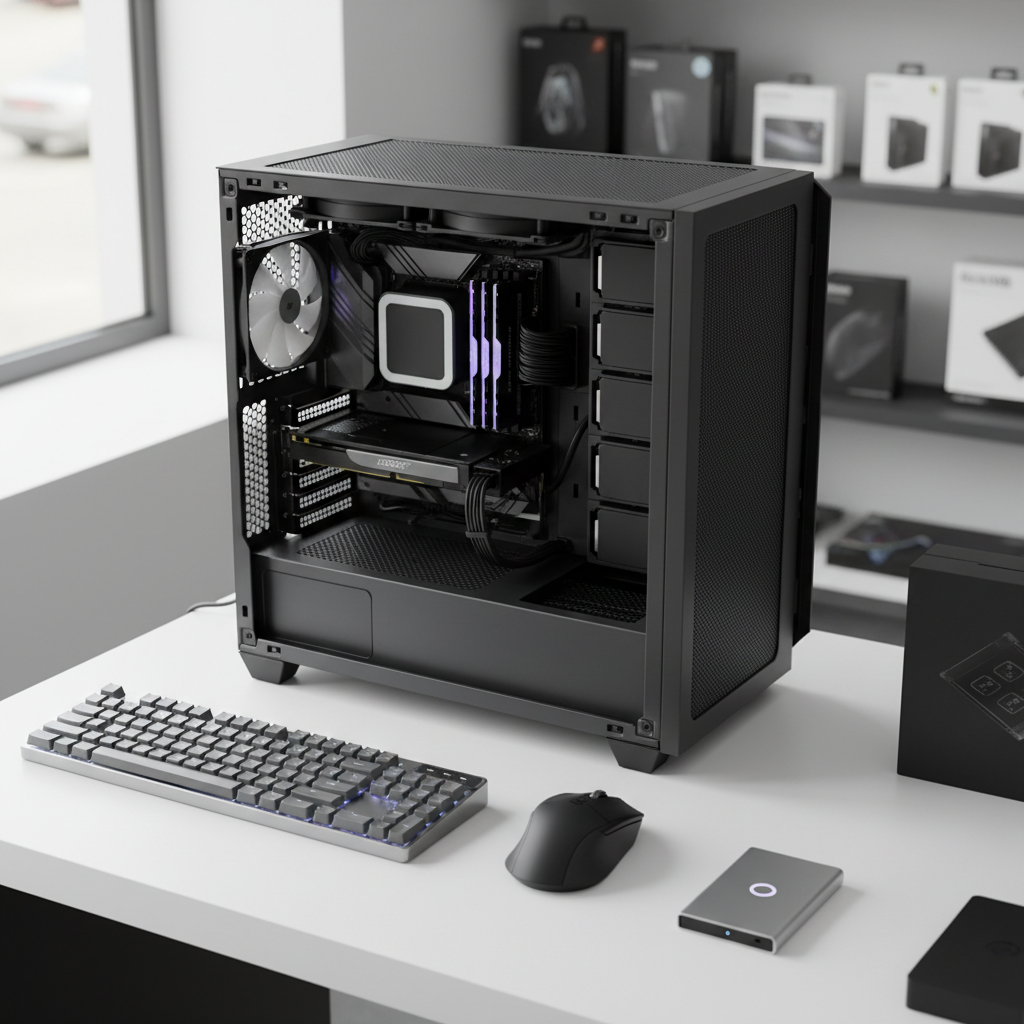
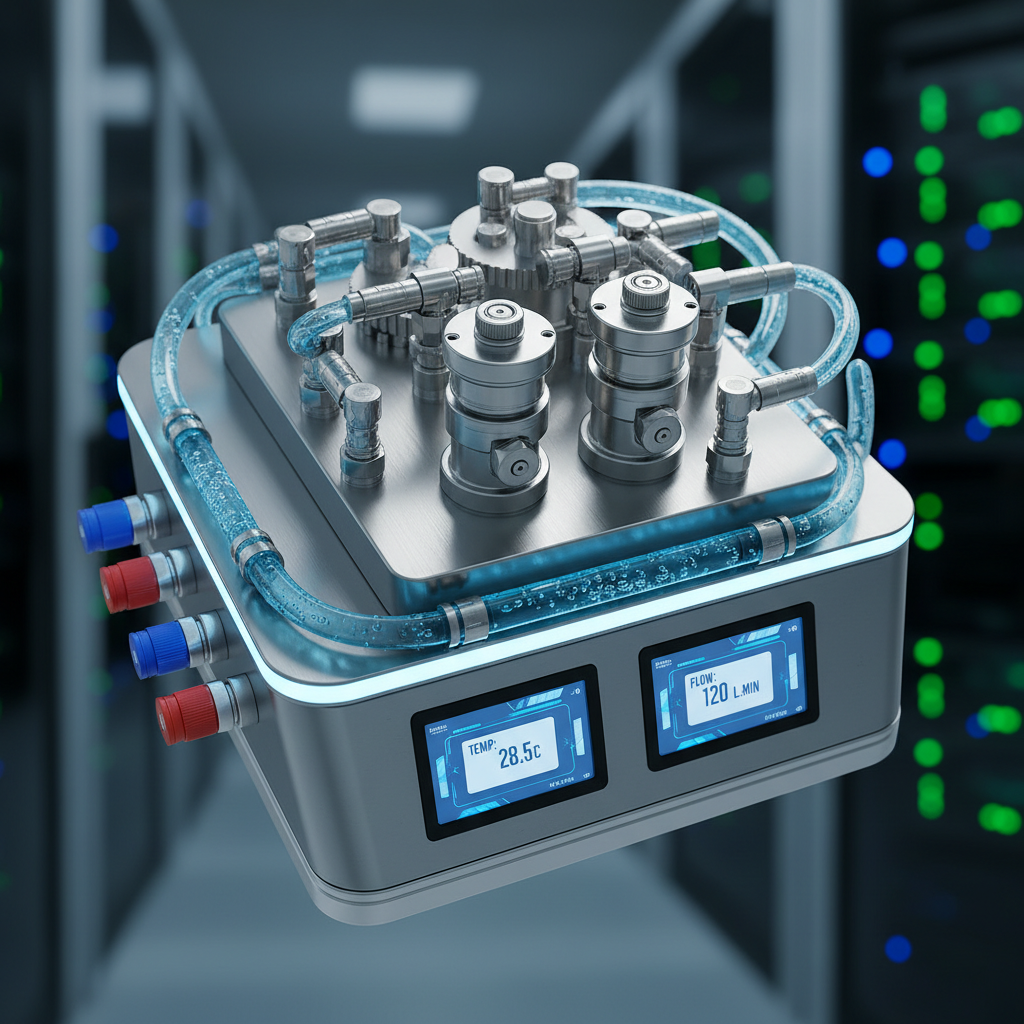
Don't overlook the cooling system and power supply. Effective cooling is essential to maintain optimal performance and longevity of your components. Depending on your case and preferences, you might choose between air or liquid cooling systems. Additionally, ensure your power supply unit (PSU) provides enough wattage for your build, with some extra headroom for future upgrades.
A reliable PSU is crucial for system stability, so avoid cutting corners here.
Building or Buying Pre-Built
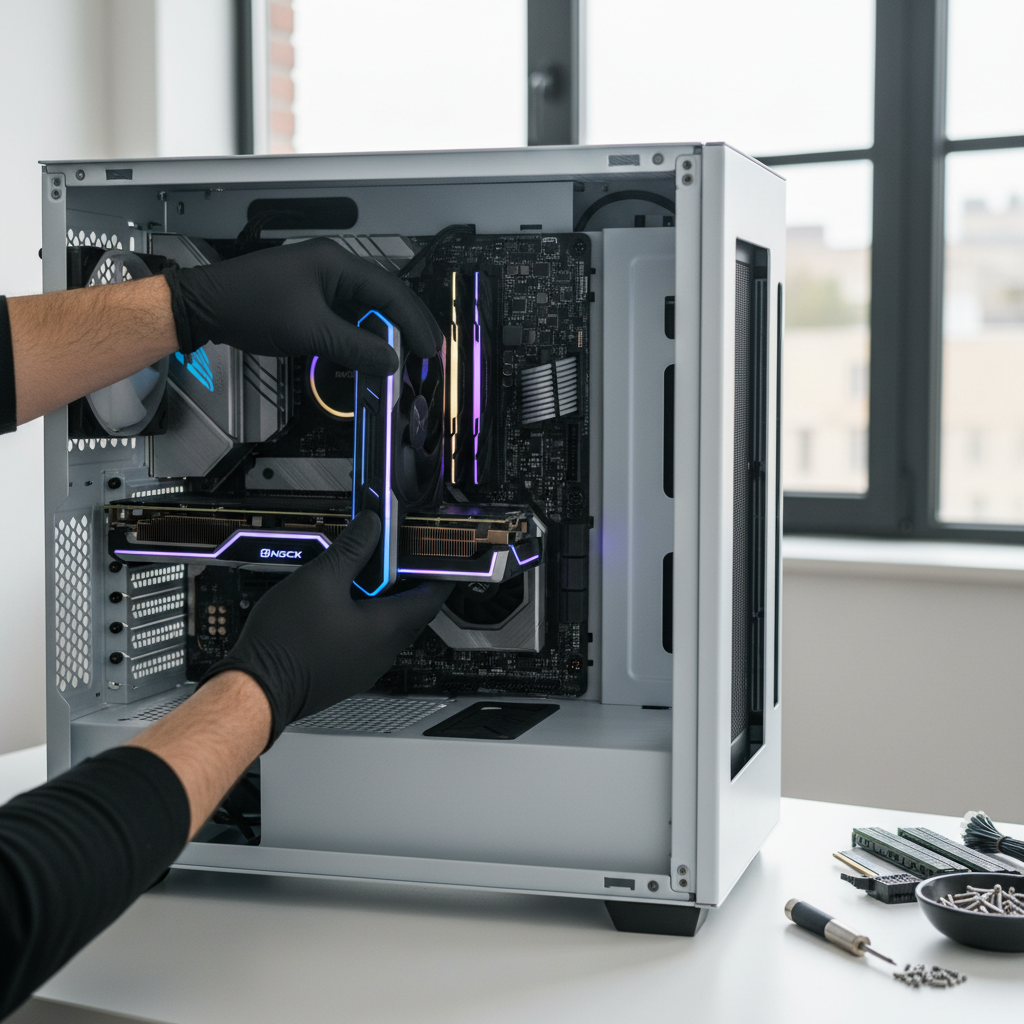
Once you've decided on the components, the next choice is whether to build the PC yourself or purchase a pre-built system. Building your own allows for customization and can be more cost-effective, but it requires time and knowledge. Pre-built systems, while potentially more expensive, offer convenience and often come with warranties.
Consider what works best for you, whether it's the satisfaction of building your own or the simplicity of a pre-built option.